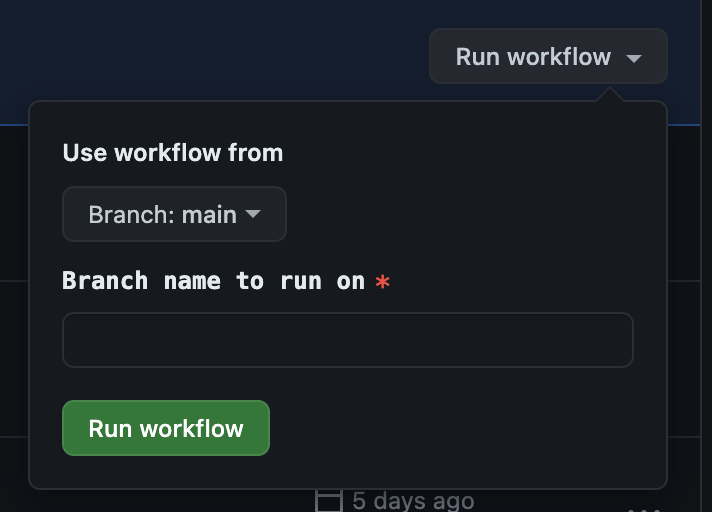
- Wait for the builds to appear on [the Releases tab on GitHub](https://github.com/zed-industries/zed/releases) (typically takes around 30 minutes)
- Proof-read and edit the release notes as needed.
- Download the artifacts for each release and test that you can run them locally.
- Publish the release.

## Nightly release process

In addition to the public releases, we also have a nightly build that we encourage employees to use.
Nightly is released by cron once a day, and can be shipped as often as you'd like. There are no release notes or announcements, so you can just merge your changes to main and run `./script/trigger-release nightly`.