---
title: Share your extension
description: Share your extension with a share link
keywords: Docker, extensions, share
aliases:
 - /desktop/extensions-sdk/extensions/share/
weight: 40
---

Once your extension image is accessible on Docker Hub, anyone with access to the image can install the extension.

People can install your extension by typing `docker extension install my/awesome-extension:latest` in to the terminal.

However, this option doesn't provide a preview of the extension before it's installed.

## Create a share URL

Docker lets you share your extensions using a URL.

When people navigate to this URL, it opens Docker Desktop and displays a preview of your extension in the same way as an extension in the Marketplace. From the preview, users can then select **Install**.
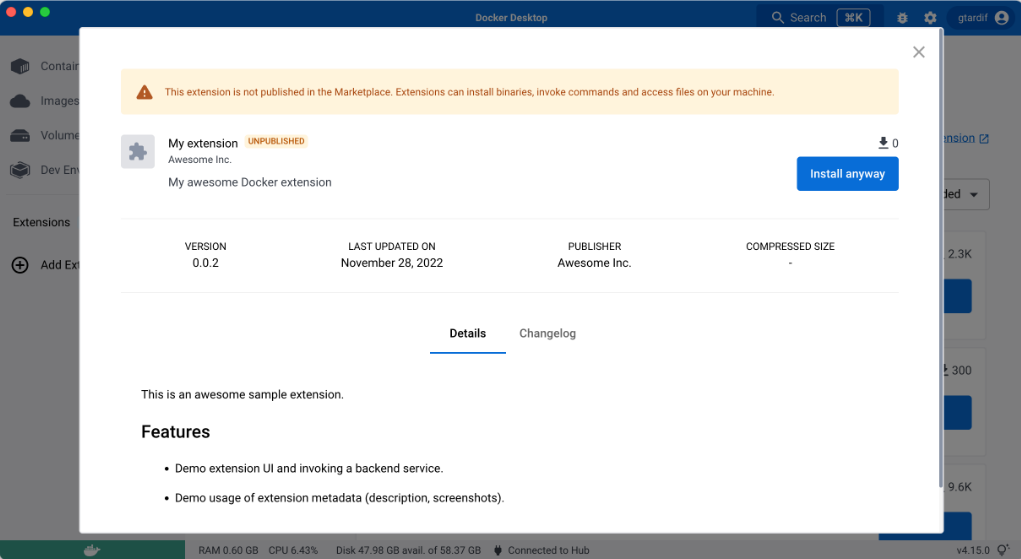
To generate this link you can either:

- Run the following command:

  ```console
  $ docker extension share my/awesome-extension:0.0.1
  ```

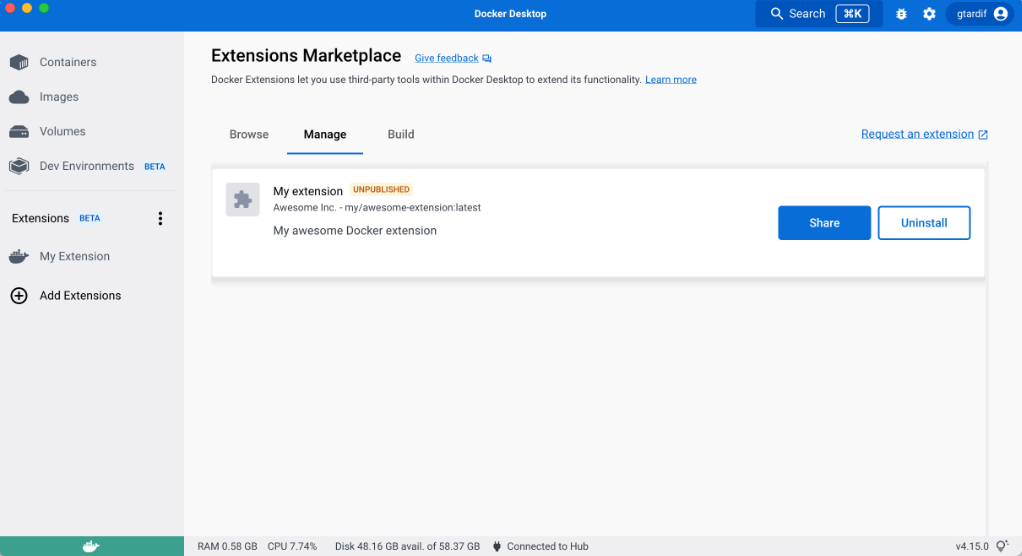
- Once you have installed your extension locally, navigate to the **Manage** tab and select **Share**.
> [!NOTE]
>
> Previews of the extension description or screenshots, for example, are created using [extension labels](labels.md).