5th chunk of `content/manuals/docker-hub/repos/manage/hub-images/oci-artifacts.md`
f981e637f31815fb480a60e0b8053bae8b83a2ca73c3ebab00000001000002ab
### Push a generic artifact file

The following procedure shows how to push a generic OCI artifact to Docker Hub.

Prerequisites:

- ORAS CLI version 0.15 or later

Steps:

1. Create your artifact file.

   ```console
   $ touch myartifact.txt
   ```

2. Sign in to Docker Hub using the ORAS CLI.

   ```console
   $ oras login -u hubuser registry-1.docker.io
   ```

3. Push the file to Docker Hub.

   ```console
   $ oras push registry-1.docker.io/docker/demo:0.0.1 myartifact.txt:text/plain
   ```

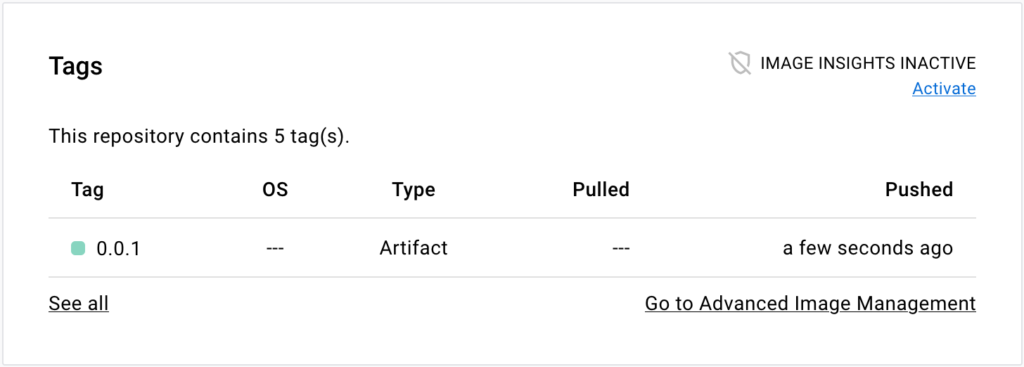
4. Go to the repository page on Docker Hub. The **Tags** section on that page
   shows the artifact tag.