3rd chunk of `content/manuals/docker-hub/repos/manage/hub-images/oci-artifacts.md`
f5407c9c868d5b75b71c1374ae4e6f5d6679ea8e2bb5d71b0000000100000411
### Push a volume

The following procedure shows how to push container volume as an OCI artifact to
Docker Hub.

Prerequisites:

- ORAS CLI version 0.15 or later

Steps:

1. Create a dummy file to use as volume content.

   ```console
   $ touch myvolume.txt
   ```

2. Sign in to Docker Hub using the ORAS CLI.

   ```console
   $ oras login -u hubuser registry-1.docker.io
   ```

3. Push the file to Docker Hub.

   ```console
   $ oras push registry-1.docker.io/docker/demo:0.0.1 \
     --artifact-type=application/vnd.docker.volume.v1+tar.gz \
     myvolume.txt:text/plain
   ```

   This uploads the volume to a `demo` repository in the `docker` namespace. The
   `--artifact-type` flag specifies a special media type that makes Docker Hub
   recognize the artifact as a container volume.

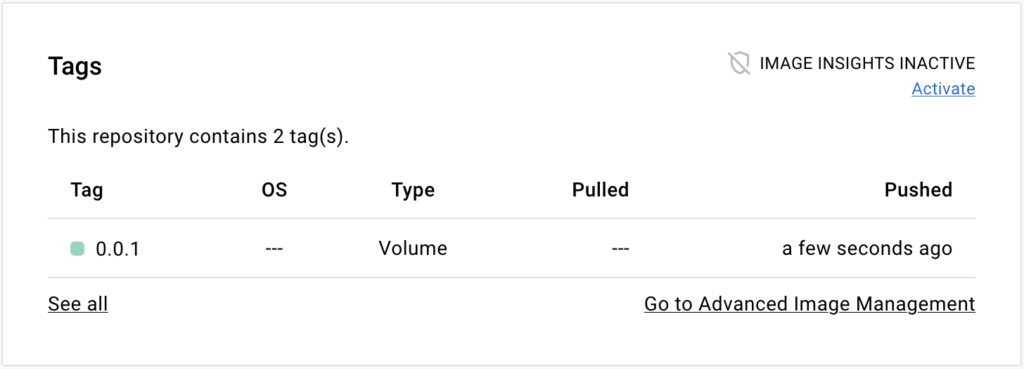
4. Go to the repository page on Docker Hub. The **Tags** section on that page
   shows the volume tag.