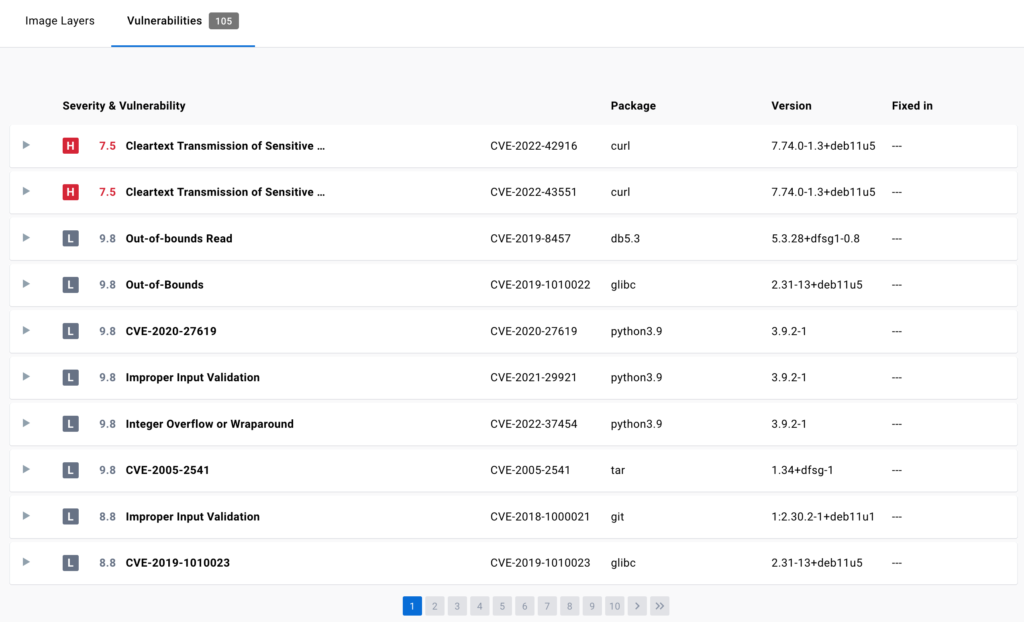
3rd chunk of `content/manuals/docker-hub/repos/manage/vulnerability-scanning.md`
a80be9023977dfb44ee11ad5dec5932834b4549980b67be6000000010000024b
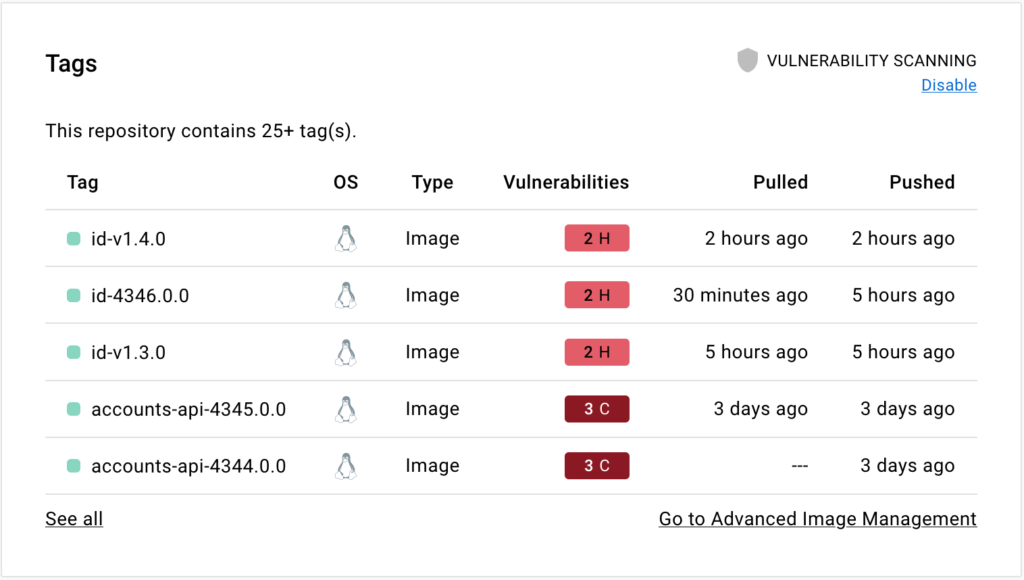
4. Select the **Tags** tab, then **Digest**, then **Vulnerabilities** to view the
   detailed scan report.

   The scan report displays vulnerabilities identified by the scan, sorting them
   according to their severity, with highest severity listed at the top. It
   displays information about the package that contains the vulnerability, the
   version in which it was introduced, and whether the vulnerability is fixed in
   a later version.