10th chunk of `content/manuals/extensions/extensions-sdk/design/design-guidelines.md`
18826bd14a85a3c1bfeed3302e0382c9d2baa4af1ca895c90000000100000423
## Onboarding new users

When creating your extension, ensure that first time users of the extension and your product can understand its value-add and adopt it easily. Ensure you include contextual help within the extension.

- Ensure that all necessary information is added to the extensions Marketplace as well as the extensions detail page. This should include:
  - Screenshots of the extension. Note that the recommended size for screenshots is 2400x1600 pixels.
  - A detailed description that covers what the purpose of the extension is, who would find it useful and how it works.
  - Link to necessary resources such as documentation.
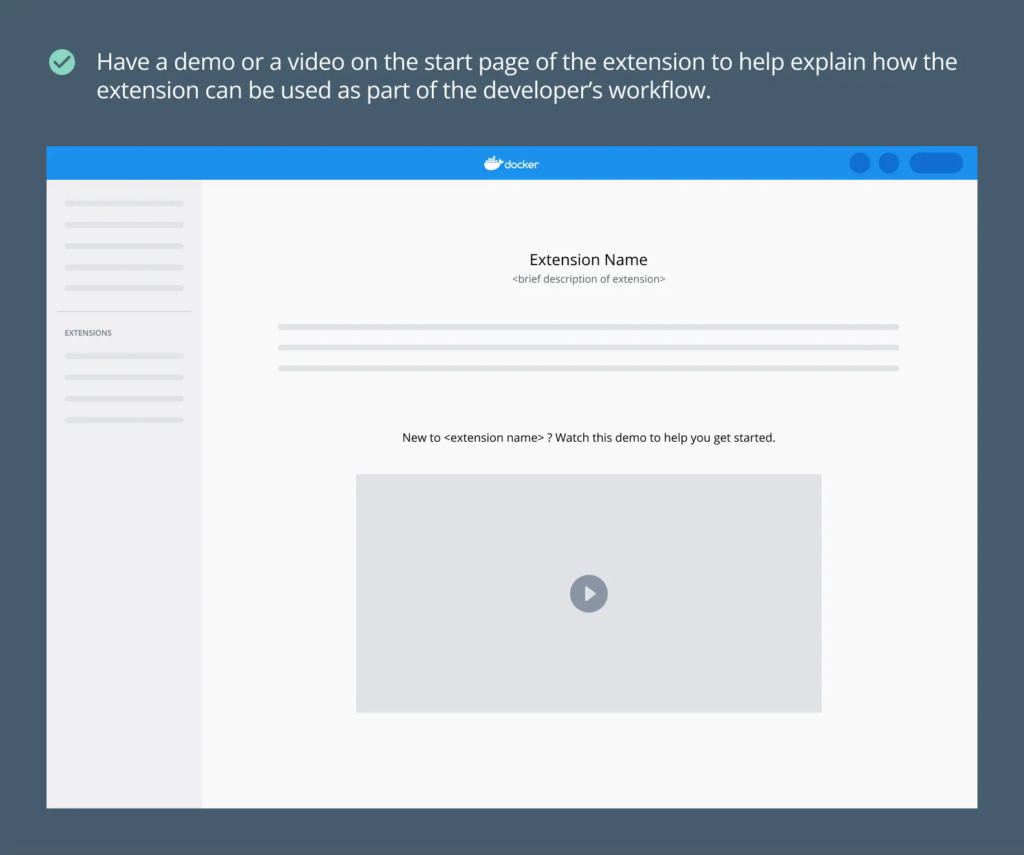
- If your extension has particularly complex functionality, add a demo or video to the start page. This helps onboard a first time user quickly.
## What's next?

- Explore our [design principles](design-principles.md).
- Take a look at our [UI styling guidelines](index.md).
- Learn how to [publish your extension](../extensions/_index.md).