---
title: Built-in tools
description: How to use Gordon's built-in tools
keywords: ai, mcp, gordon
aliases:
 - /desktop/features/gordon/mcp/built-in-tools/
---

Gordon comes with an integrated toolbox providing access to various system tools
and capabilities. These tools extend Gordon's functionality by allowing it to
interact with the Docker Engine, Kubernetes, Docker Scout's security scanning,
and other developer utilities. This documentation covers the available tools,
their configuration, and usage patterns.

## Configuration

Tools can be configured globally in the toolbox, making them accessible
throughout the Gordon interfaces, including both Docker Desktop and the CLI.

To configure:

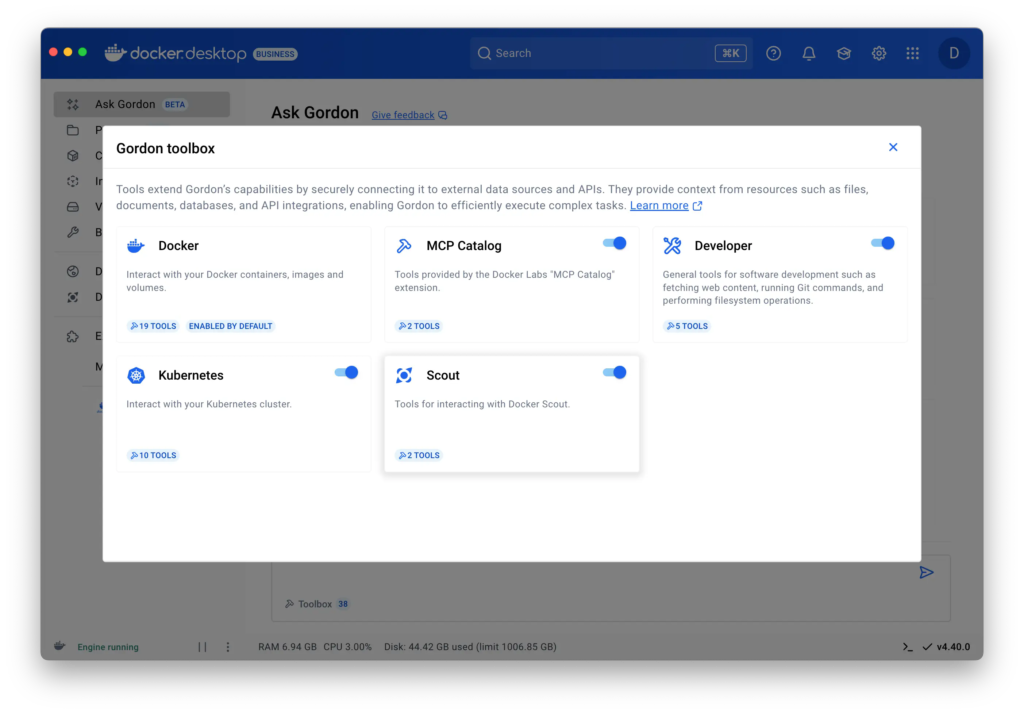
1. On the **Ask Gordon** view in Docker Desktop, select the `Toolbox` button in the bottom left of the input area.
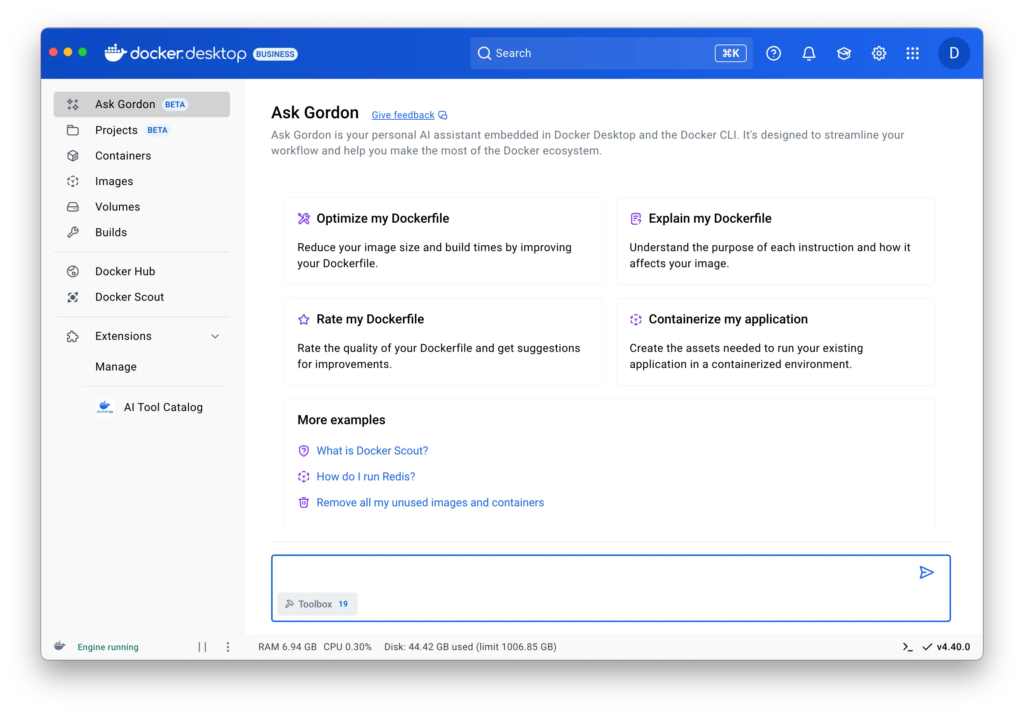
2. Choose the tools you want to make available. Selecting a card lets you view extra information regarding each tool and what it does.